Your money, up to 5 days faster.1
Get your federal government benefits up to 5 days faster1 or your paycheck up to 2 days early1 with no additional fees3 when you set up Direct Deposit.
Subject to card activation or Deposit Account registration and ID verification.2 Card issued or Deposit Account established by Pathward®, National Association or Republic Bank & Trust Company, Member FDIC.
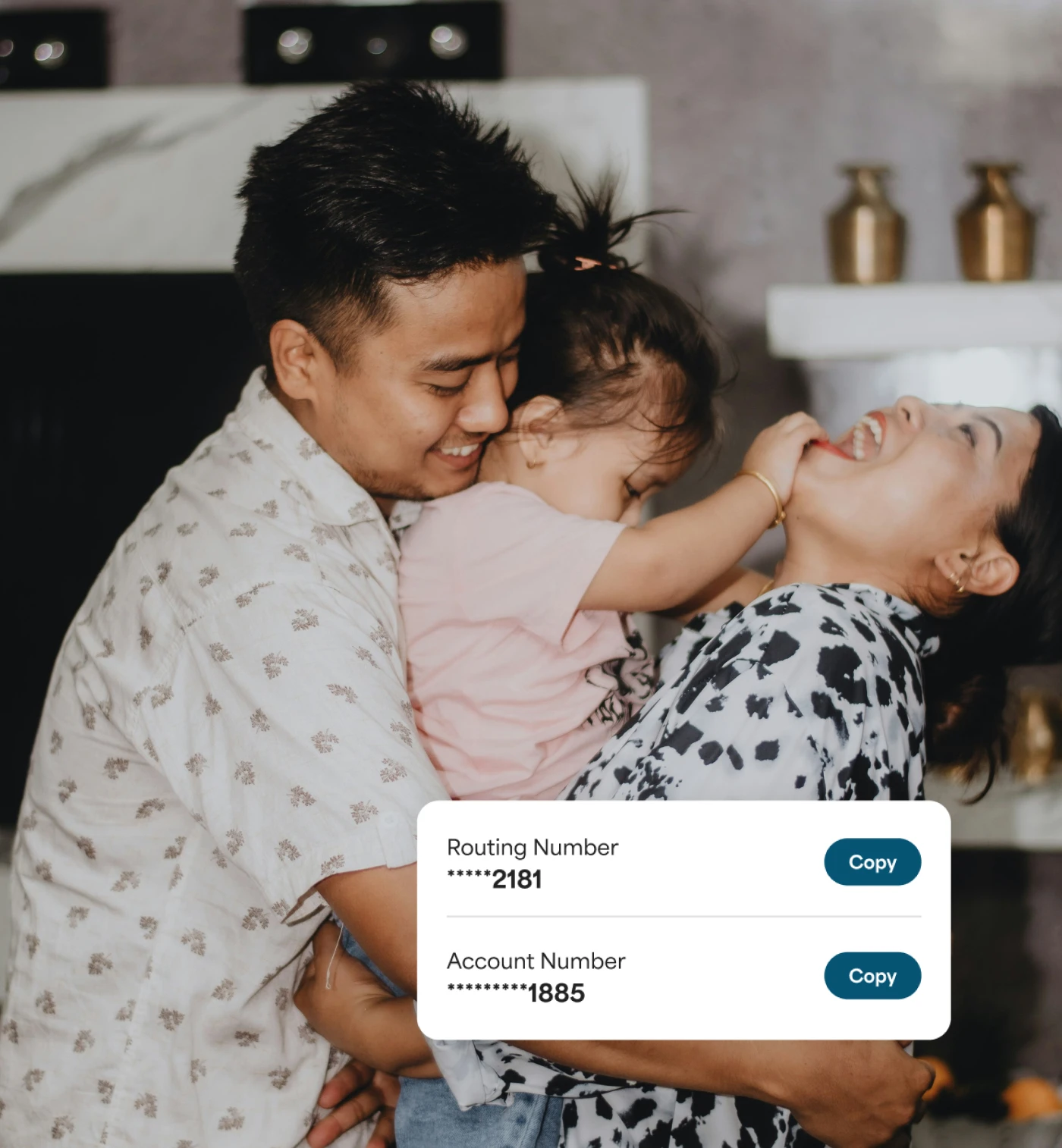
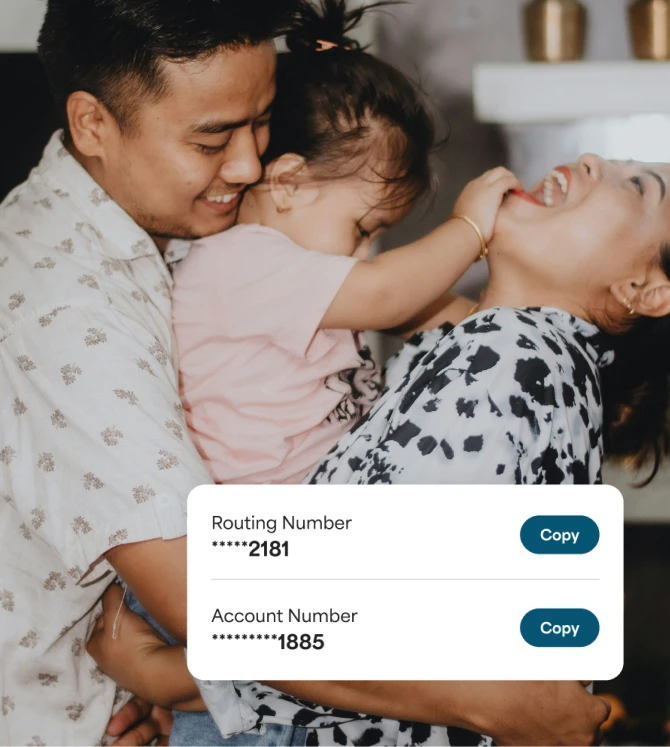
Access earlier1 paydays
Make Monday your new Friday
We make your money available as soon as it's sent to us — look forward to early paydays.1
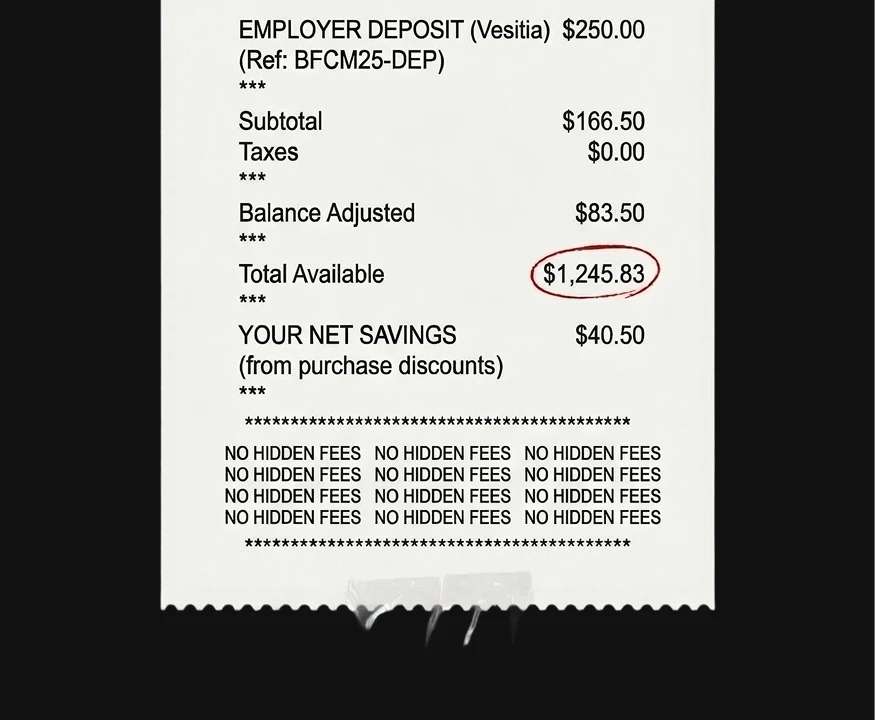
No hidden fees3
Setting up Direct Deposit is free3 — with no hidden fees or surprise charges.
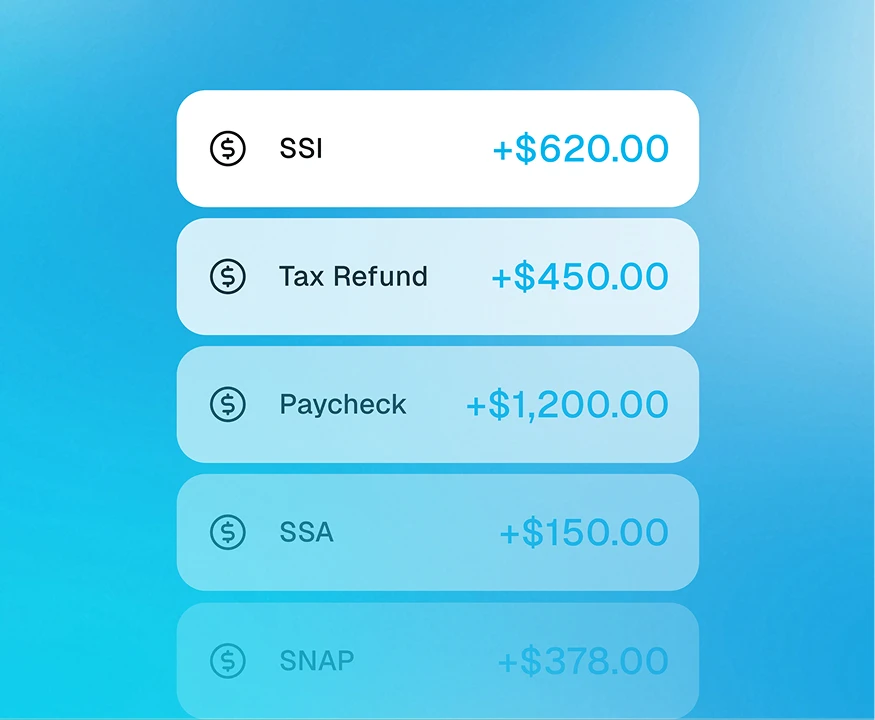
More than just paychecks
Whether it’s your paycheck, tax refund, or Social Security — we’ve got you. Set up Direct Deposit once and get access to your money faster.1
From paycheck to benefits, we’ve got you

Paychecks
Get your salary up to 2 days early1 when your employer sends your paycheck directly into your Netspend Account.

Government Benefits
Get government payments like Social Security, tax refunds, or unemployment up to 5 days early.1
- Tax refunds
- Social Security benefits
- Supplemental Security Income (SSI)
- Pensions
- Railroad Retirement Benefits (RRB)
- Defense Finance and Accounting Service Payments (DFAS)
- State unemployment benefits (varies by state)
- Veterans’ benefits
Direct Deposit
Many ways to set up Direct Deposit
Create an account or log in to your existing Netspend account,
then choose the Direct Deposit option that’s most convenient for you.
Option A
Set up directly on your account
- Open your Netspend Account, go to Move Money, then Direct Deposit and choose “Find your employer. "
- Verify your identity.
- Follow the steps to decide if you want to deposit all or part of your paycheck.
- Once it’s set up, your money will arrive early1 — automatically.

Option B
Share information with your employer
- Open your Netspend Account, go to Move Money, then Direct Deposit and select “Direct Deposit Form.”
- Your form will already have your account info filled in — just choose how much of your paycheck to deposit.
- Email or hand the form to your employer to start getting paid early.1

Option C
Do it yourself
- If you already have a payroll or benefits form from your employer or agency, just enter: Routing number (sometimes called the ABA number) and Account number.
- Find both in Move Money → Direct Deposit in your account center, and copy/paste them right into the form.

With Netspend get more than just early paydays1

Earn up to 6.00% Annual Percentage Yield (APY)4
Grow your money and get up to 6.00% APY4 with the Netspend® Debit Account and up to 5.00% APY5 with the Netspend® Prepaid Card.

FDIC insured6
Get peace of mind knowing your money is FDIC insured6 up to $250,000.

Qualify for up to $3007 on Overdraft Protection
With the Netspend® Debit Account you can be eligible for Overdraft Protection7, when you set up Direct Deposit.