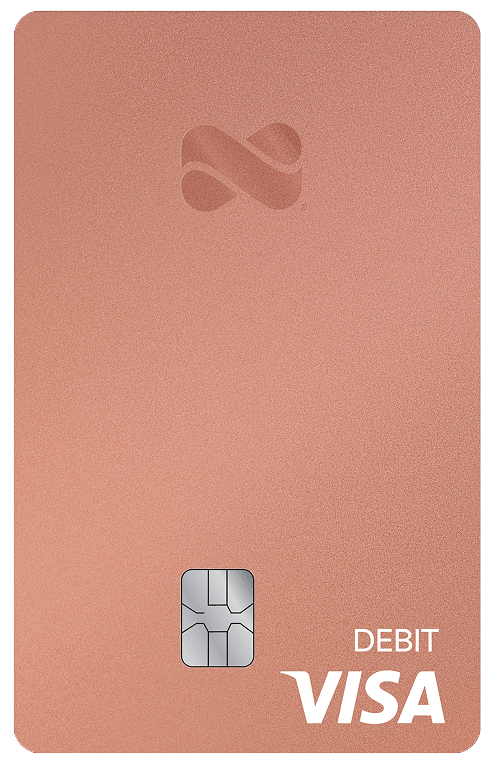
Netspend® Debit Account
Your money, ready to work for you
Get paid up to 2 days faster1 with Direct Deposit and earn up to 6.00% Annual Percentage Yield (APY).2
Banking services provided by Pathward®, National Association, and Republic Bank & Trust Company; Members FDIC. Deposit Account opening is subject to registration and ID verification.3




No credit check3

No minimum balance

No activation fee4
Get Paid Faster1
Your paycheck, on your schedule
Set up direct deposit with Netspend and get paid up to 2 days faster.1



Short on funds?
We've got your back.5
Optional Overdraft Service5 gives you a 24-hour grace period.
6.00%
Open a Savings Account and earn up to 6.00% Annual Percentage Yield (APY).2

Pause your card with Card Controls.
Wallet lost or stolen? The Card Controls feature blocks your card and we'll handle the rest.
Your money needs, all in one app.
Stay on top of your finances like you stay on top of your life.
The Netspend® App puts it all in the palm of your hand.

Add and move money6 with ease
Easily move funds between your spending and Savings Accounts.

Shop and pay bills anywhere
Add it to your digital wallet and use your card or phone anywhere Visa Debit or Debit Mastercard are accepted.

Stay on top of your money with real-time alerts
Get Anytime Alerts whenever money is added to your account and available to spend, or when it's used for purchases.
Order a card and set up your account in minutes.
Get started today with no credit check,3 activation fee4 or minimum balance required.